THE PROBLEM
Engineers didn't trust the AI
The platform used to define its products holds 2M+ Product Requirements Document (PRD), the specs that go into production product. The engineers who write them can't afford an AI that's confidently wrong: a confident wrong answer in a spec becomes a confident wrong system.
When Gen AI tools started appearing internally, the response was skeptical: "Is this just Gen AI doing random things?" The barrier wasn't technical. It was trust. And trust couldn't be promised — the AI had to earn it, in front of the user, every time.
THE APPROACH
Make the thinking visible
The default for AI products is to hide the work. The user types something, waits, gets an answer. Whatever happened in between is opaque — and for a spec engineer, opaque means untrustworthy.
So the assistant was designed around a different default: show the work, all of it, all the time. When the AI is gathering context, the user sees what it's pulling from. When it's reasoning, the user sees the steps. When it produces an output, the user sees what it grounded the answer in.
A DESIGN DECISION
When chat won over forms
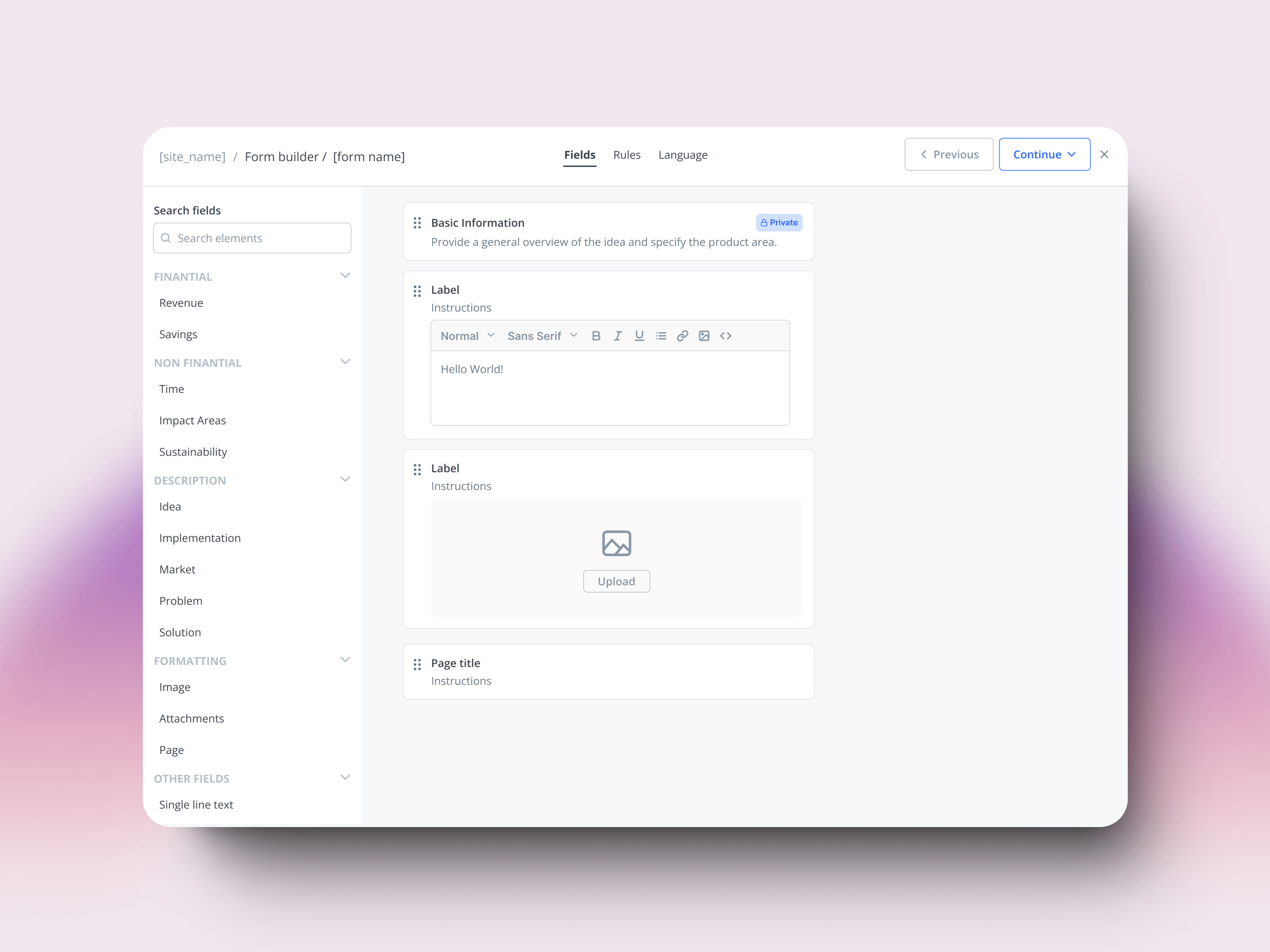
The first version had structured input. When the assistant offered next steps — "split this into atomic requirements?" / "generate test cases?" — it presented them as a small form: radio buttons, a Done button, the conventional B2B pattern.
A few weeks in, the team flagged feedback they'd been hearing from users: the form felt like a blocker. They'd be mid-thought, the assistant would suggest something useful, and the form would pull them out of the flow. They were losing momentum.
The fix was small in code: surface the same options as bullets in the assistant's message, no form, no Done button. Click one to continue, ignore them to keep going. The structure was still there — the interface stopped enforcing it.
VALIDATION
What changed when they used it
The adoption pattern told us as much as the numbers. The tool wasn't pushed top-down — it spread through teams that found out about it from colleagues. That kind of growth is the cleanest signal that something is working: people don't share friction.
The shape of the asks also told us something. Users weren't asking the assistant to write requirements for them — they were asking it to clarify, validate, and contextualize what they already had. The assistant became a way to understand the system better, not just produce text faster.
What I learned
Designing for AI is designing context. The assistant's job wasn't to generate good text. It was to give engineers the context to make better decisions about text they were already writing. That distinction reshaped how I think about AI products.
Designing for AI = designing the ground truth. The interface was the visible part, but most of the work was deciding what the AI could pull from, in what order, with what weighting. A good answer comes from a well-curated context window, not a clever prompt. Designing the context is designing the product.